12 Powerful iPaaS Features That Simplify Enterprise Integration
Understand how leading iPaaS platforms streamline integrations, eliminate data silos, and create a unified flow of information across systems.

Enterprise IT stacks rarely start out fragmented; they get there one point solution at a time. An ERP here, a distributor management system there, a CRM added during a merger, a homegrown reporting tool nobody wants to retire. Somewhere along the way, “integration” stops being a one-time project and becomes a permanent tax on every new initiative.
This is the last-mile execution gap that shows up as delayed dashboards, mismatched inventory numbers, and field sales teams working off yesterday’s data. Understanding the right iPaaS features, and knowing which iPaaS software features actually move the needle for a large, multi-system enterprise is the difference between an integration layer that quietly does its job and one that becomes its own maintenance headache.
This guide breaks down 12 iPaaS features every IT and Revenue Operations leader should evaluate before locking in a platform.
What is iPaaS?
Integration Platform as a Service (iPaaS) is a cloud-based suite of tools that connects applications, data sources, and systems, on-premises or cloud, legacy or modern, without requiring custom point-to-point code for every connection.
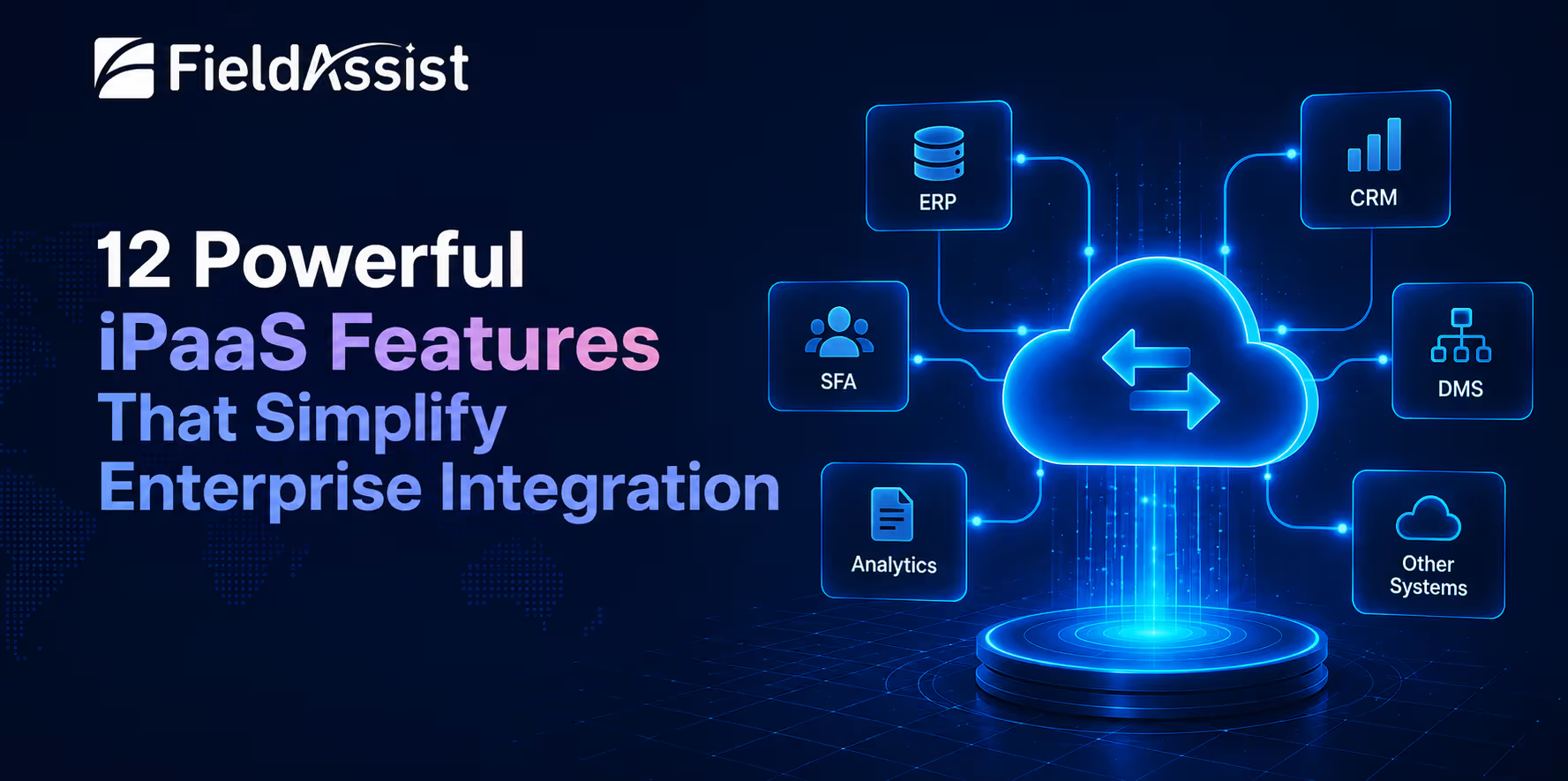
Instead of IT teams hand-building and maintaining dozens of brittle integrations, an iPaaS provides pre-built connectors, a visual workflow builder, and centralized governance so data moves reliably between ERP, CRM, SFA, DMS, and analytics layers. For CPG and FMCG enterprises running field sales, distribution, and retail execution software side by side, iPaaS is what keeps those systems talking to each other in near real time.
Why iPaaS Has Become Essential for Modern Enterprises
As enterprises adopt more cloud applications, business systems become increasingly fragmented. Sales data may sit in an SFA platform, distributor information in a DMS, financial records in an ERP, and customer interactions in a CRM. When these systems are not connected, teams rely on manual processes, duplicate data entry, delayed reporting, and custom integrations that become difficult to maintain over time.
iPaaS addresses this challenge by providing a centralized platform to connect applications, automate data exchange, and keep information synchronized across the organization. Instead of building and managing multiple point-to-point integrations, businesses can create scalable, reusable connections that improve operational efficiency and data visibility.
The growing demand for seamless connectivity is reflected in market adoption. Gartner reports that the iPaaS market grew 23.4% to $8.5 billion in 2024, driven by rising adoption of AI, no-code/low-code developer tools, and SaaS, and independent research from Grand View Research projects the category will climb from roughly $15.9 billion in 2026 to $55.5 billion by 2033, a 19.6% CAGR.
That growth isn’t happening in a vacuum; it’s a direct response to how expensive fragmented systems have become. For enterprises running SFA, DMS, and ERP systems that were never designed to talk to each other, the right iPaaS software features aren’t a nice-to-have anymore; they’re what keeps integration debt from quietly eating the IT budget.
What are the key features of iPaaS software?
Not every platform markets the same capabilities, and not every capability matters equally for a large, multi-system enterprise. Here are the 12 enterprise iPaaS features that consistently separate a platform that scales from one that becomes its own liability.
1. Pre-Built Connectors and Adapters
A mature iPaaS ships with hundreds of ready-made connectors for common ERPs, CRMs, databases, and SaaS applications, so teams aren’t writing custom API code for every new system. This is usually the first of the iPaaS features enterprises evaluate, since connector depth directly determines time-to-value.
2. No-Code / Low-Code Integration Builder
Visual, drag-and-drop workflow design lets business and IT teams build and modify integrations without deep coding expertise, cutting deployment cycles from months to weeks and reducing dependency on scarce developer bandwidth.
3. Real-Time Data Synchronization
Rather than nightly batch jobs, modern platforms sync data as events happen, so a field order booked through an SFA app reflects instantly in inventory, finance, and reporting systems, closing the “yesterday’s data” gap that plagues distributed CPG operations.
4. API Management and Connectivity
Beyond connectors, enterprise-grade iPaaS includes full API lifecycle management, design, versioning, throttling, and security, so internal and partner-facing APIs stay stable even as the integration footprint grows.
5. Data Transformation and Mapping
Different systems structure data differently. Built-in transformation and mapping tools reconcile formats, units, and hierarchies automatically, one of the more underrated iPaaS automation features, since it removes hours of manual reconciliation work every week.
6. Workflow Automation and Orchestration
This is where iPaaS earns its “automation” name, orchestrating multi-step business processes (order-to-cash, lead-to-order) across systems, with conditional logic, retries, and approvals built in rather than stitched together by hand. It’s one of the most valuable iPaaS automation features because it removes manual handoffs between departments.
7. Event-Driven Integration Capabilities
Instead of polling systems for changes, event-driven architecture triggers integrations the moment something happens, a new distributor onboarded, a stock threshold breached, enabling faster response times across the value chain.
8. Centralized Monitoring and Error Management
A single dashboard for tracking every integration’s health, with automated alerts and error logs, means IT teams catch a failed sync before it becomes a week-old data discrepancy discovered by a regional sales head.
9. Security, Governance, and Compliance Controls
Encryption, role-based access, audit trails, and compliance certifications (SOC 2, GDPR, ISO) are non-negotiable iPaaS software features for enterprises handling sensitive distributor, retailer, and customer data across geographies.
10. Scalability for Enterprise Workloads
Enterprise iPaaS features must hold up under load, thousands of transactions per second, hundreds of concurrent workflows, without the performance degradation that plagues integrations built as one-off point solutions.
11. Multi-System and Multi-Cloud Connectivity
Global CPG enterprises rarely run on a single cloud or a single vendor stack. Strong multi-cloud support ensures the platform connects AWS, Azure, GCP, and on-premise environments equally well, avoiding vendor lock-in.
12. AI-Powered Integration Intelligence
AI is reshaping what buyers expect from this category. Gartner’s 2026 Magic Quadrant for Integration Platform as a Service notes that AI is changing expectations for the iPaaS market, pushing vendors to build new capabilities that support integration requirements coming directly from AI initiatives.
AI-assisted mapping, anomaly detection, and self-healing workflows are quickly becoming standard iPaaS automation features rather than premium add-ons.
How does iPaaS simplify enterprise integration?
Once these iPaaS features are in place, the day-to-day impact on enterprise IT and operations is concrete, not theoretical.
- Connecting ERP, CRM, SFA, DMS & More
For a CPG or FMCG enterprise, this typically means linking an ERP like SAP or Oracle with a CRM, a purpose-built SFA platform, a distributor management system, and BI tools, all through one governed layer instead of dozens of one-off scripts.
- Eliminating Manual Data Transfers
Spreadsheet exports, manual uploads, and end-of-day reconciliations disappear when systems sync automatically, freeing IT and operations teams from repetitive, error-prone busywork.
- Creating Unified Enterprise Data Flow
When every system draws from the same synchronized source of truth, sales, finance, and supply chain teams stop arguing over whose numbers are right, because there’s only one number.
- Faster Integrations with Less IT Dependency
No-code builders and pre-built connectors mean business teams can stand up new integrations, a new retailer feed, a new regional distributor system- in days, not the months a custom-coded integration used to take.
Benefits of FieldAssist’s iPaaS Features for Growing Organizations
As organizations add markets, brands, or acquisitions, integration complexity multiplies faster than headcount. The benefits of well-implemented enterprise iPaaS features compound over time: faster onboarding of new systems and distributors, lower total cost of integration compared to a patchwork of custom code, and IT teams freed up to work on strategic projects instead of firefighting broken syncs.
For finance and operations leaders, this translates into cleaner audit trails and fewer reconciliation cycles; for field sales leadership, it means order, inventory, and scheme data that’s consistent the moment it’s needed, not the next morning.
This is precisely the last-mile execution gap FieldAssist was built to close, and it’s why the right iPaaS software features matter as much for a 500-person regional distributor as they do for a global CPG head office.
How to Evaluate iPaaS Software Features Before Choosing a Platform?
With dozens of vendors now marketing similar language, evaluation needs to go deeper than a features checklist.
1. Integration Coverage and Connector Library
Check both breadth (how many pre-built connectors) and depth (how well those connectors handle your specific ERP, CRM, and SFA versions), a long list of shallow connectors is often worse than a shorter list of deep ones.
2. Automation and Workflow Capabilities
Look for genuine orchestration, branching logic, retries, human-in-the-loop approvals, rather than simple one-to-one data pushes rebranded as iPaaS automation features.
3. Security and Compliance Readiness
Confirm certifications, data residency options, and role-based access controls match the regulatory requirements of every market the enterprise operates in.
4. Monitoring, Analytics, and Reliability
Ask for uptime SLAs, real-world error-recovery examples, and whether monitoring dashboards give business users visibility, not just IT.
5. Scalability and Future-Proofing Considerations
Evaluate how the platform performs under projected transaction volume two to three years out, not just current load, and how easily it will absorb the next acquisition or market entry.
Conclusion
The 12 iPaaS features outlined here aren’t a wish list; they’re the baseline for any enterprise trying to close its own last-mile execution gap between systems, teams, and markets. The organizations getting the most value from integration aren’t the ones with the most connectors; they’re the ones that evaluated iPaaS software features against their actual operating complexity, multiple ERPs, distributed field sales, and regional compliance needs- before committing.
As the market data shows, this isn’t a passing trend: iPaaS spending, adoption, and AI-driven capability are all accelerating together. For CPG and FMCG enterprises specifically, that means integration is no longer just an IT decision; it’s a growth lever. Explore how FieldAssist’s integration platform brings ERP, SFA, DMS, and retail execution data together on a single, governed layer, purpose-built for the realities of field operations.



%20(1).avif)